Every system you installed.
One service queue.
Enphase, SolarEdge, APsystems and Tesla Powerwall systems report into one fleet view through your own provider accounts, with no per-system monitoring fee. A fault opens an incident on the customer’s record beside the design, equipment and conversation, so service starts without rebuilding the install. Included on Pro.
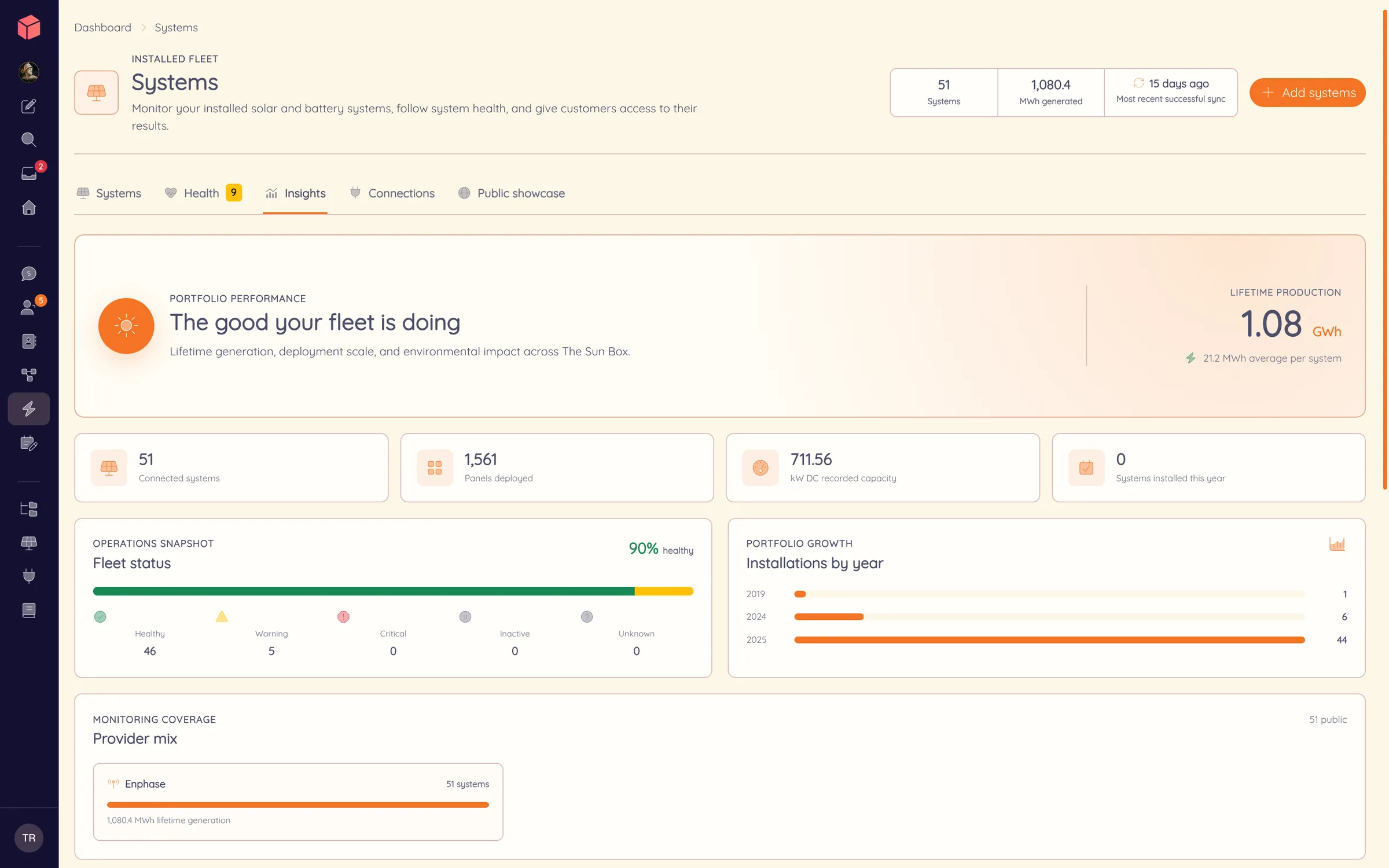
A fault becomes
a service job.
Provider-reported health faults, failed syncs, zero production and stale data open warning or critical incidents in one queue. Acknowledge the incident, assign it to a teammate and resolve it when the work is done.
The incident sits on the customer’s record with the original design, equipment, files and conversation, so the service call starts with the install already in front of you. An opened or resolved incident can also trigger an automation, such as a service task or a customer message.
Service work in the CRM ↗Connect with your own provider accounts
- Enphase through your Enlighten installer account and an Enphase Partner application.
- SolarEdge through Monitoring API credentials.
- APsystems through your Installer API app ID and secret.
- Tesla Powerwall through Powerhub client credentials and a short connection setup.
Available production, battery, home and grid readings vary by provider and system. The fleet shows the data each connection supplies.
Performance with a customer behind it.
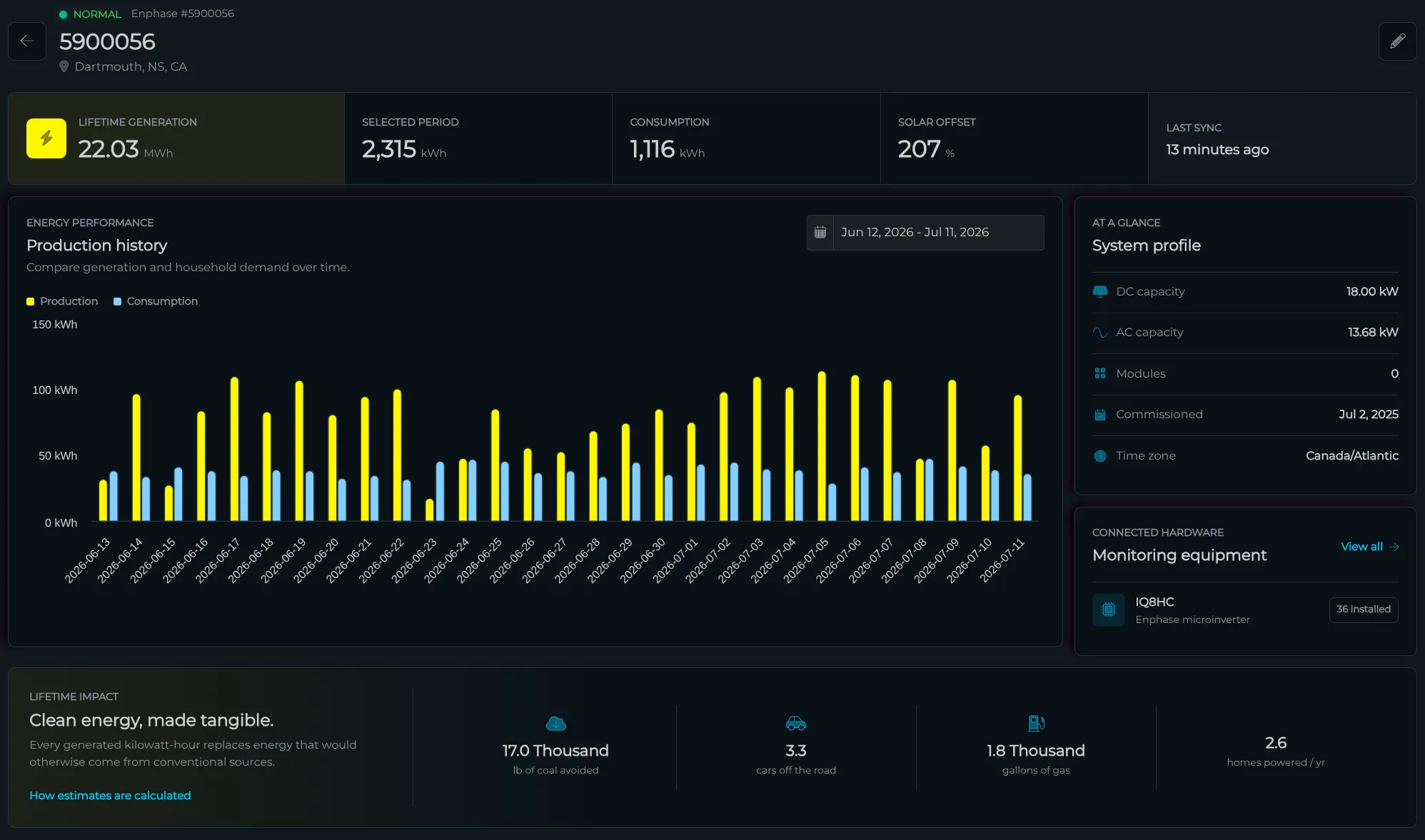
Open a system and read its production history, consumption where the provider reports it, and the equipment on the roof. Battery-only sites get a storage view built around charge, cycling and backup time instead of empty production charts.
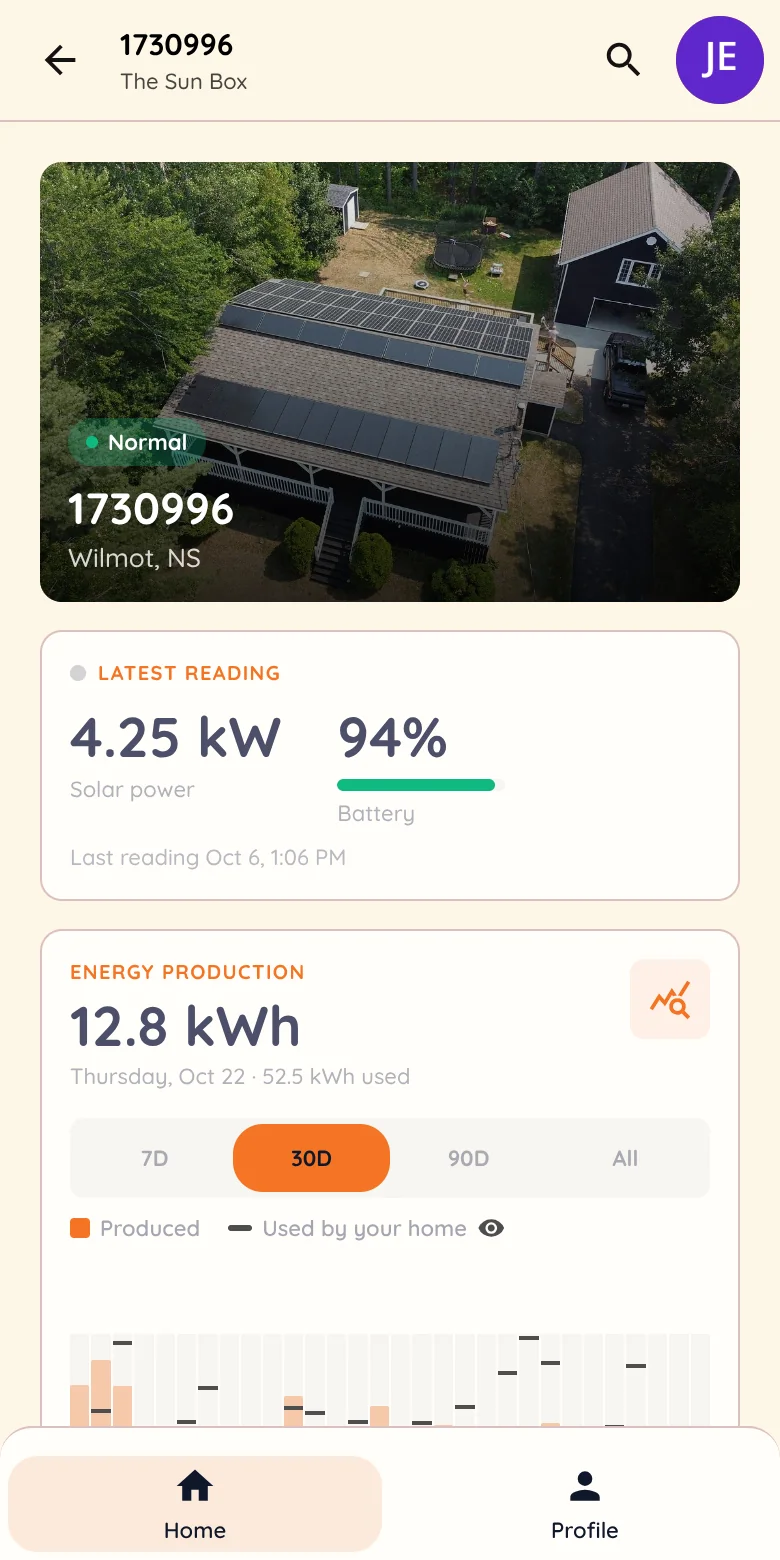
The same system feeds the customer’s branded portal view beside their documents and messages, so the homeowner sees production under your brand with your team one message away.
Today’s service call.
Tomorrow’s battery sale.
Build a segment from monitored systems and their customers, then send a service check-in or a storage offer with their equipment and production history already in front of you. When one says yes, the storage quote opens on their existing record, design included.
See lifecycle campaigns ↗Put real installs on your website
With sharing turned on and the customer’s agreement, selected installations appear in public system maps and collections under your brand, with their real production beside them. Proof drawn from roofs you installed.
Installations on your website ↗See the service queue working.
A demo covers provider connections, the queue and the customer’s portal view. Fleet monitoring is included on Pro.