Your customer.
Still your relationship.
The customer follows the project, finds every document, messages your team and watches their system produce, all under your logo and colors, in the browser or in Lilypad. The portal is included on Standard and Pro, with live production on Pro.
One home for the customer.
On any screen.
Customers sign in from any browser,
or follow the project in Lilypad on iOS, Android and iPad.
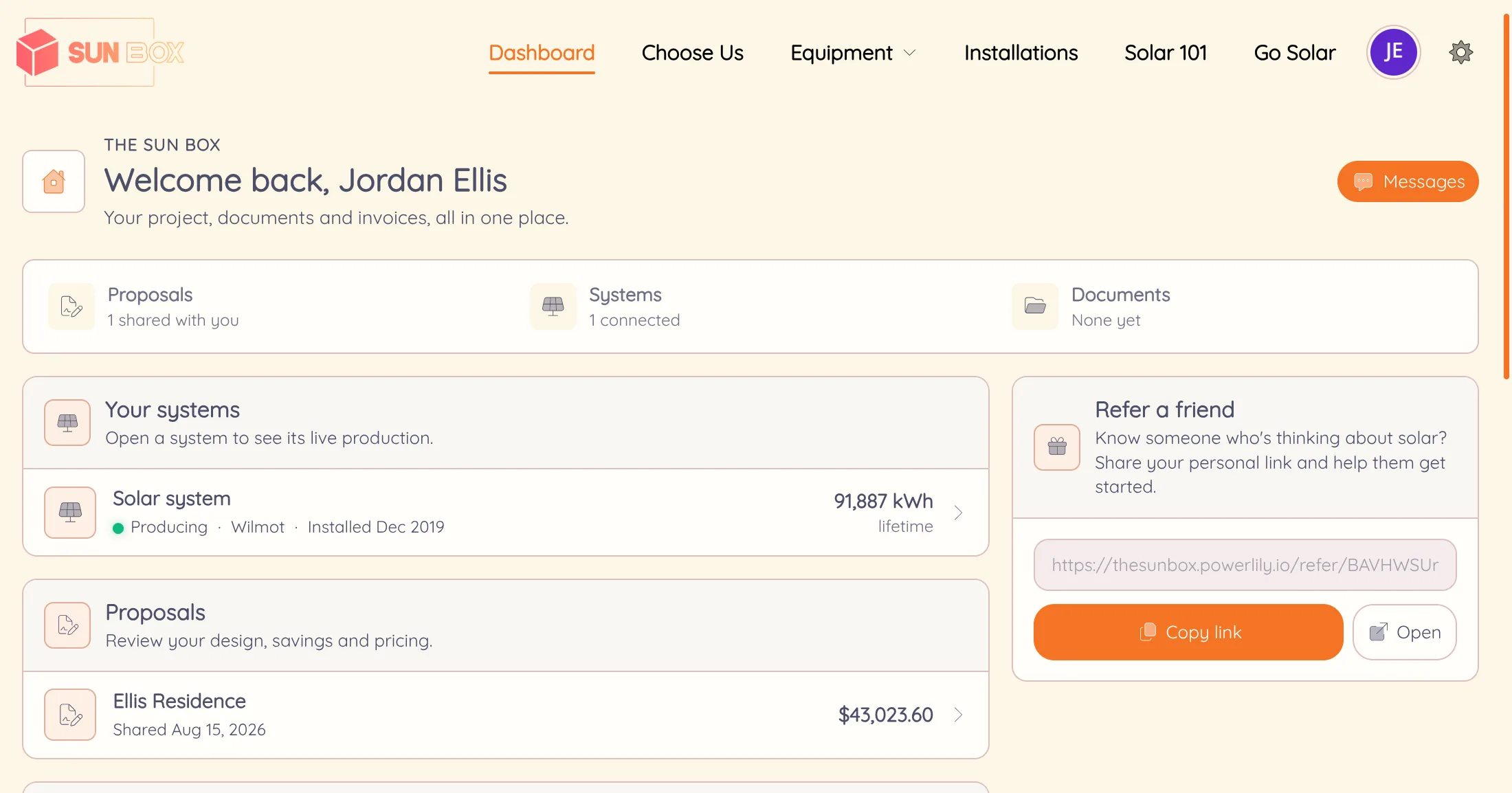
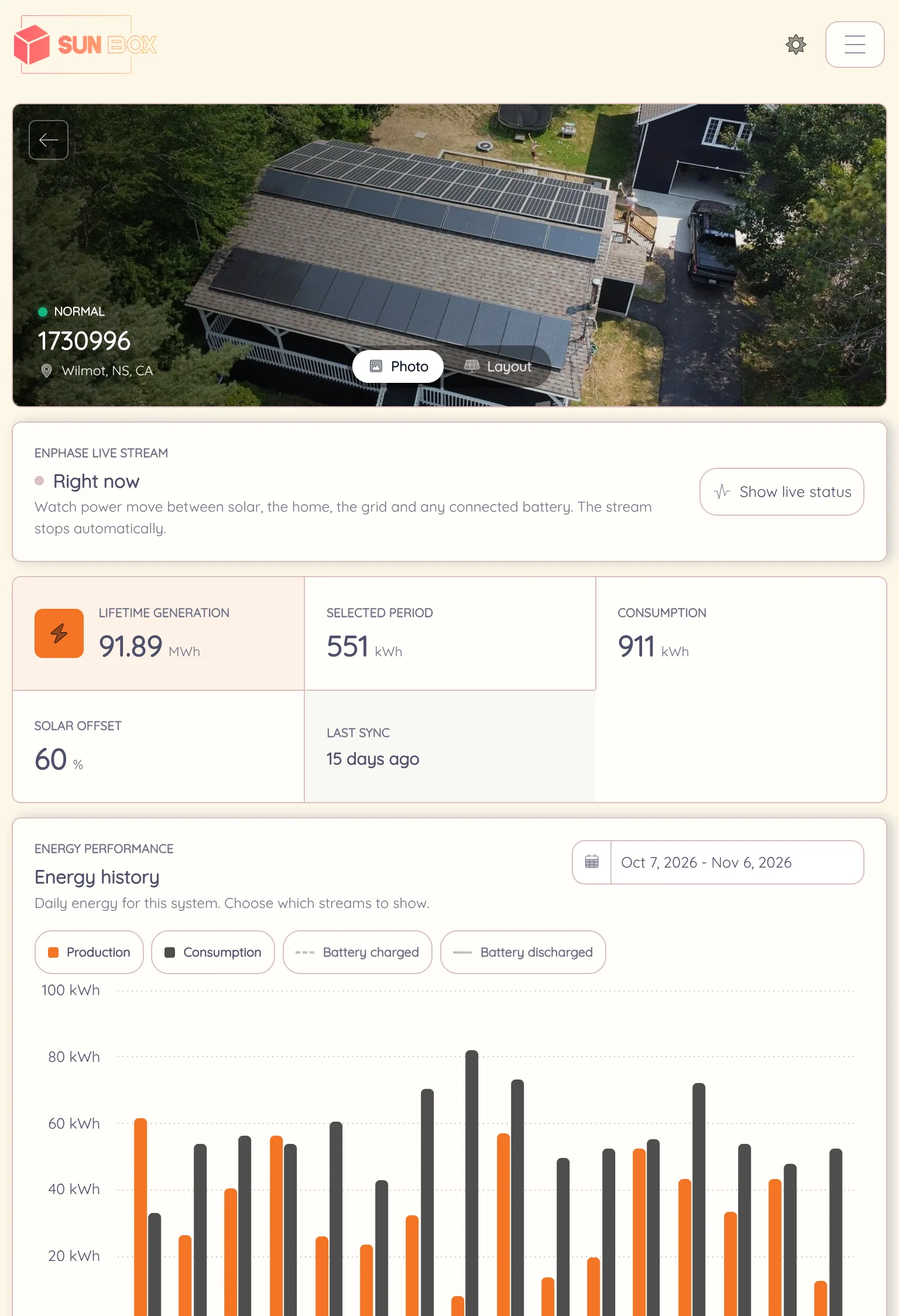
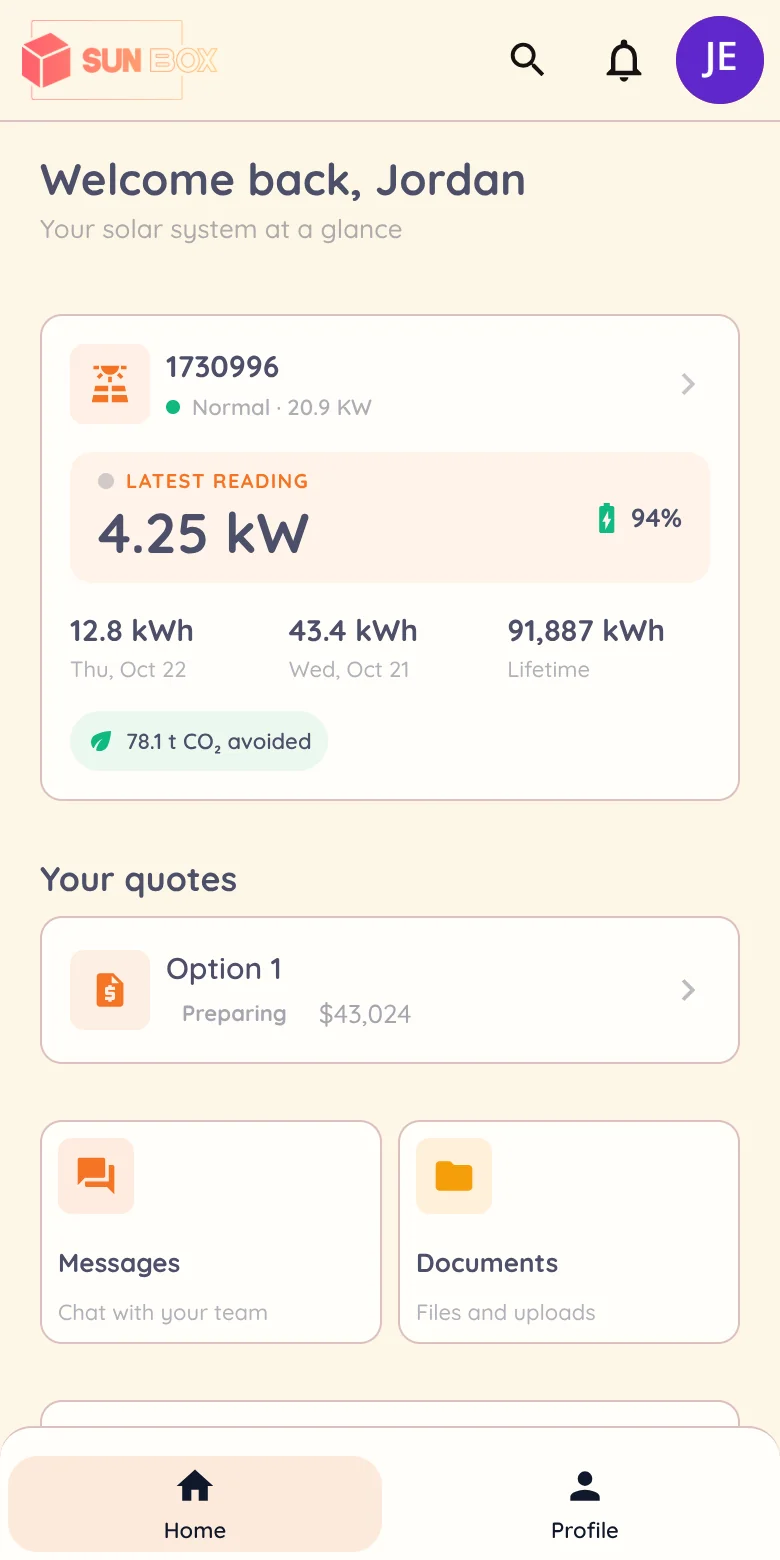
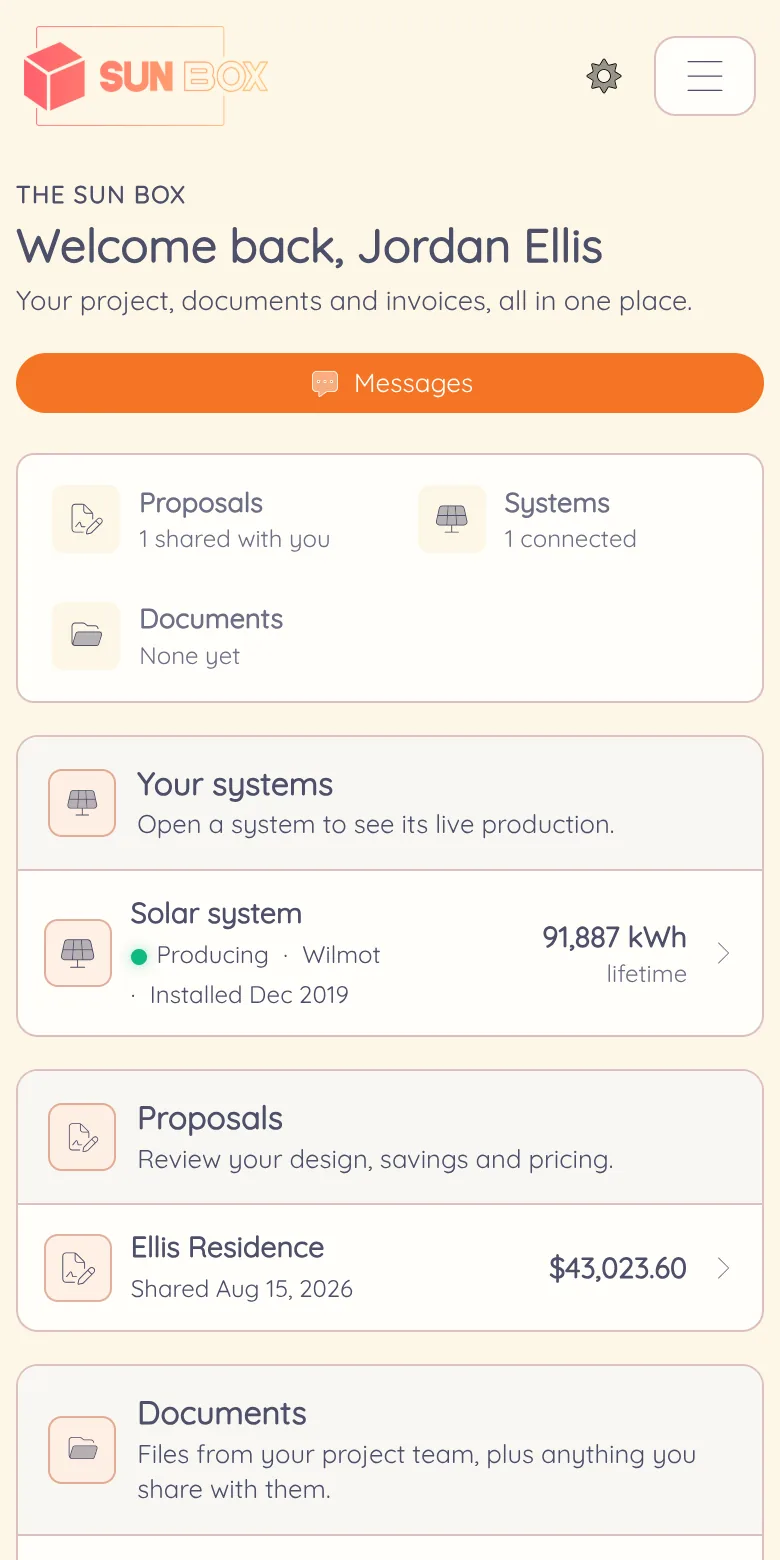
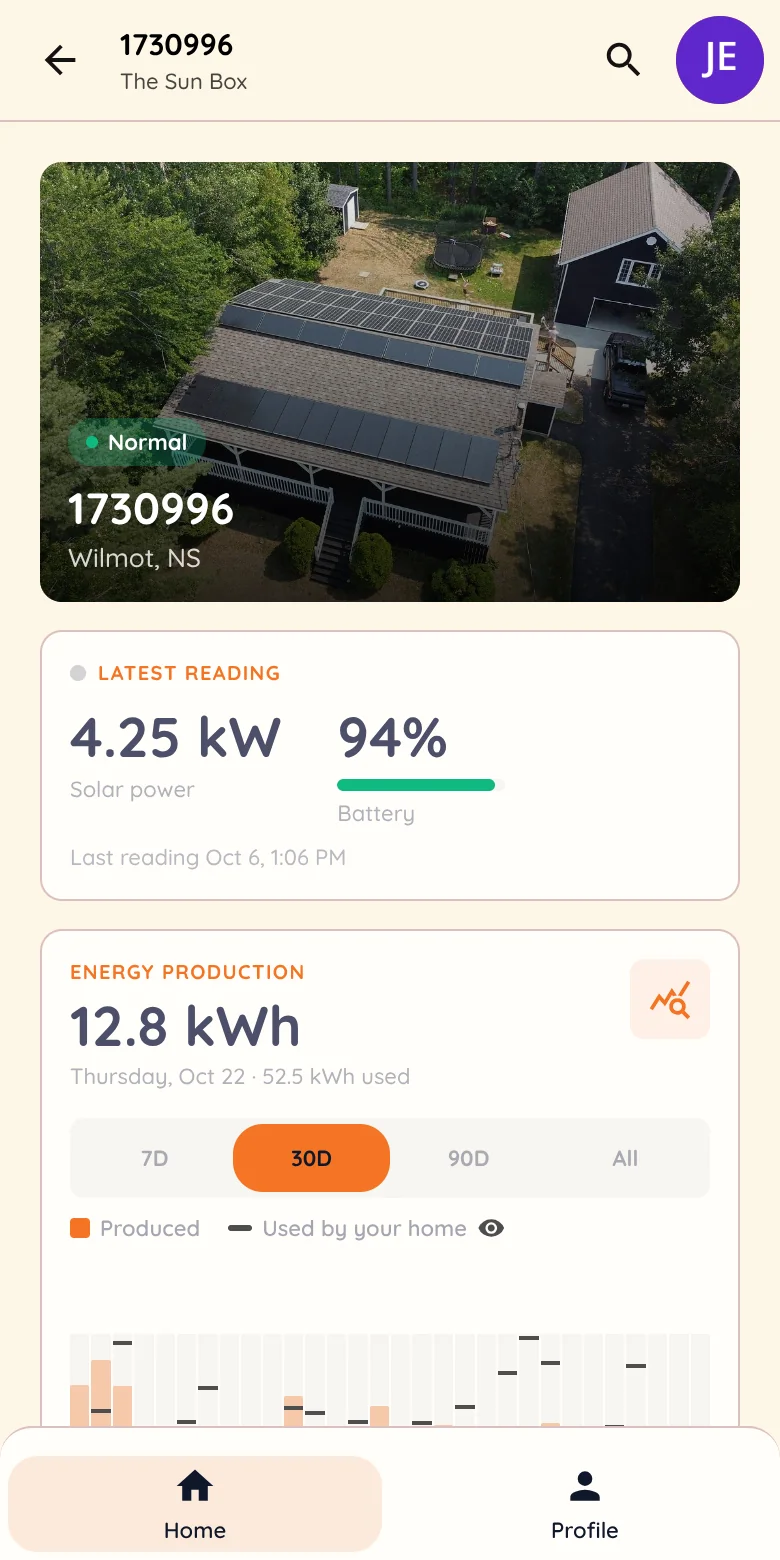
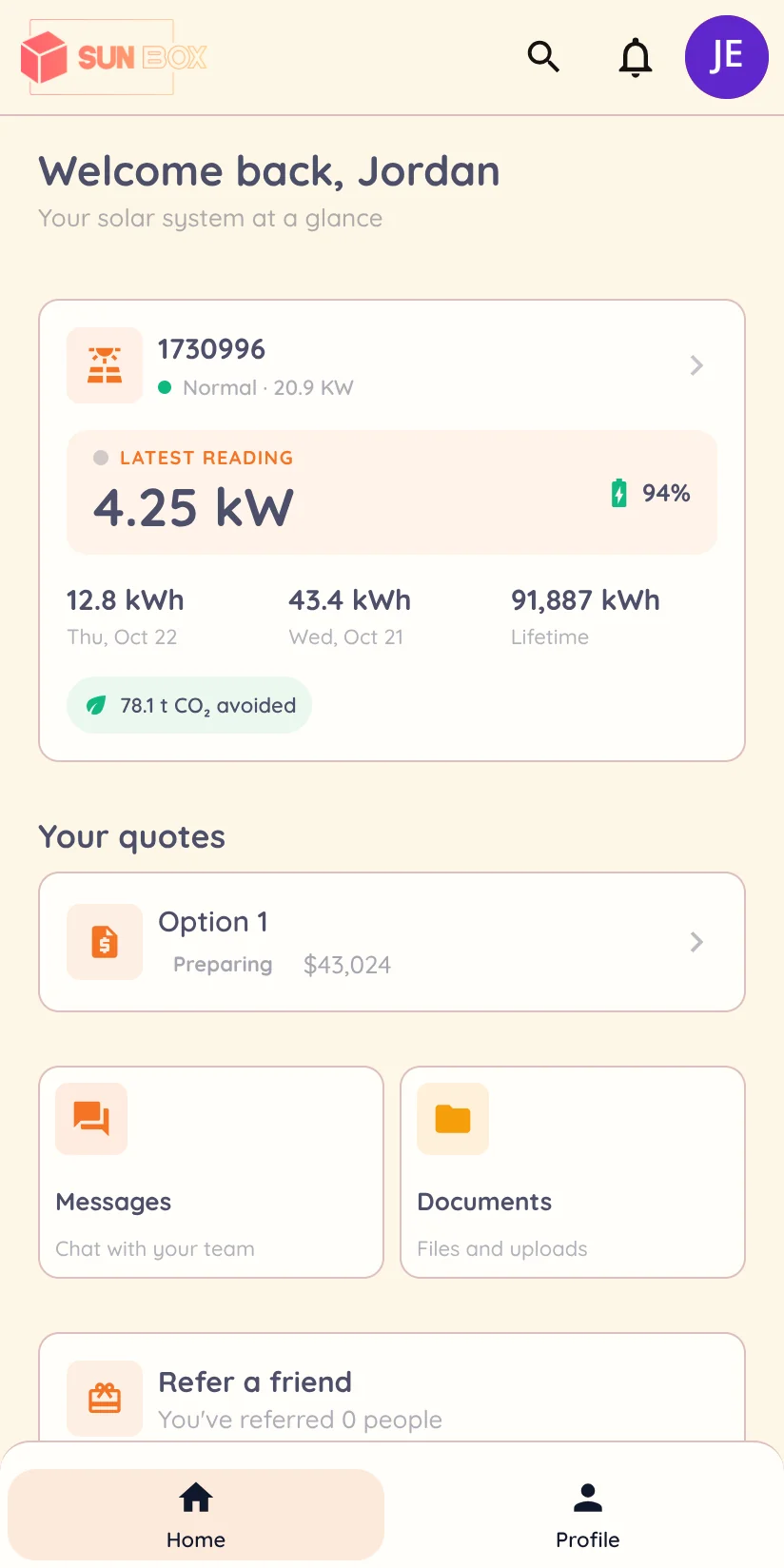


Jordan Ellis is a demonstration customer in The Sun Box account, attached to a real monitored system. The project’s street address is hidden in these web and Lilypad captures. Available readings depend on the connected provider.
From the signed quote
to the service call.
Customers see only the projects, systems and files you share. Your team chooses what goes in and can open a read-only client view to check exactly what the customer sees.
Follow the project
Progress updates and the installation photos you choose to share, with the contract, warranties and invoices in the portal instead of an inbox search.
Watch the system
Production and consumption as the provider reports them, with savings, lifetime totals and emissions avoided. The live system view needs fleet monitoring on Pro.
Reach your team
The customer writes to your company, not a shared inbox. Messages and attachments land in the conversation your staff already follow in Powerlily and Lilypad.
Branded down to the address bar.
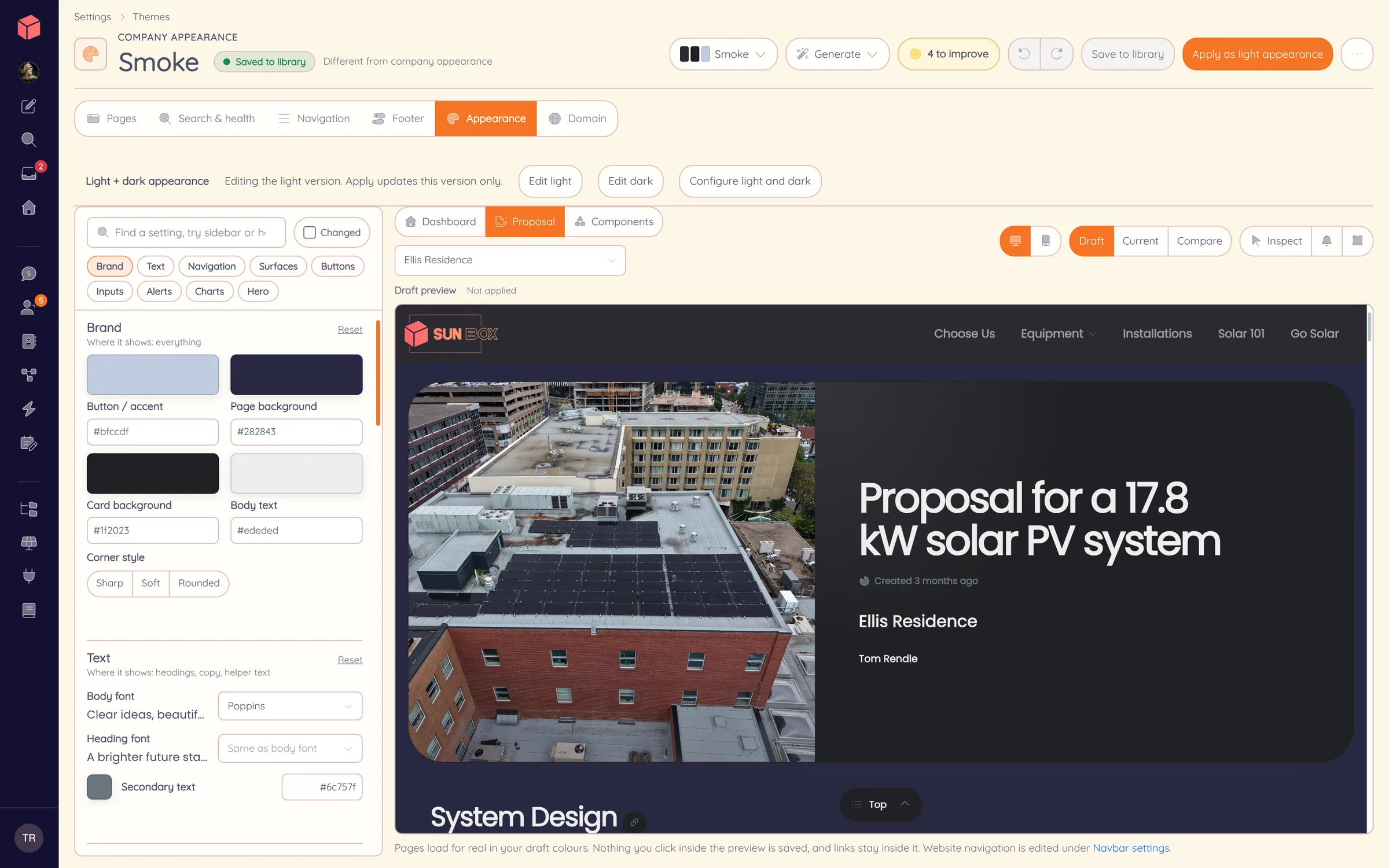
Your logo, colors and fonts carry through the portal and the proposals, and the emails the customer opens carry your name. Start on your company’s Powerlily address, or connect a domain you own on Standard or Pro.
Keep your existing website and run the portal at an address such as portal.solarco.com. Or bring the website, proposals and portal together at solarco.com.
Articles they can read.
A link they can share.
Your knowledge base publishes on the same domain as the portal, so the outage question gets your answer instead of a forum’s. Each customer also carries a personal referral link, so an introduction arrives as a lead credited to them.
Referrals and campaigns ↗Pay the invoice, order the add-on
On Pro, connect your own payment account and customers pay invoices and deposits from the portal, with no Powerlily cut. They can also order products you publish from your catalog or request an addition to their project for your team to approve.
See invoicing & payments ↗See Powerlily from the customer’s side.
We open a branded portal as the customer and follow one project from signed quote to live production.