The quote is ready.
So is the invoice.
The signed quote becomes a branded invoice with the customer’s details, line items, quantities, taxes and pricing already in place. Send it from the project by email or text, and on Pro the customer pays online into your own account.
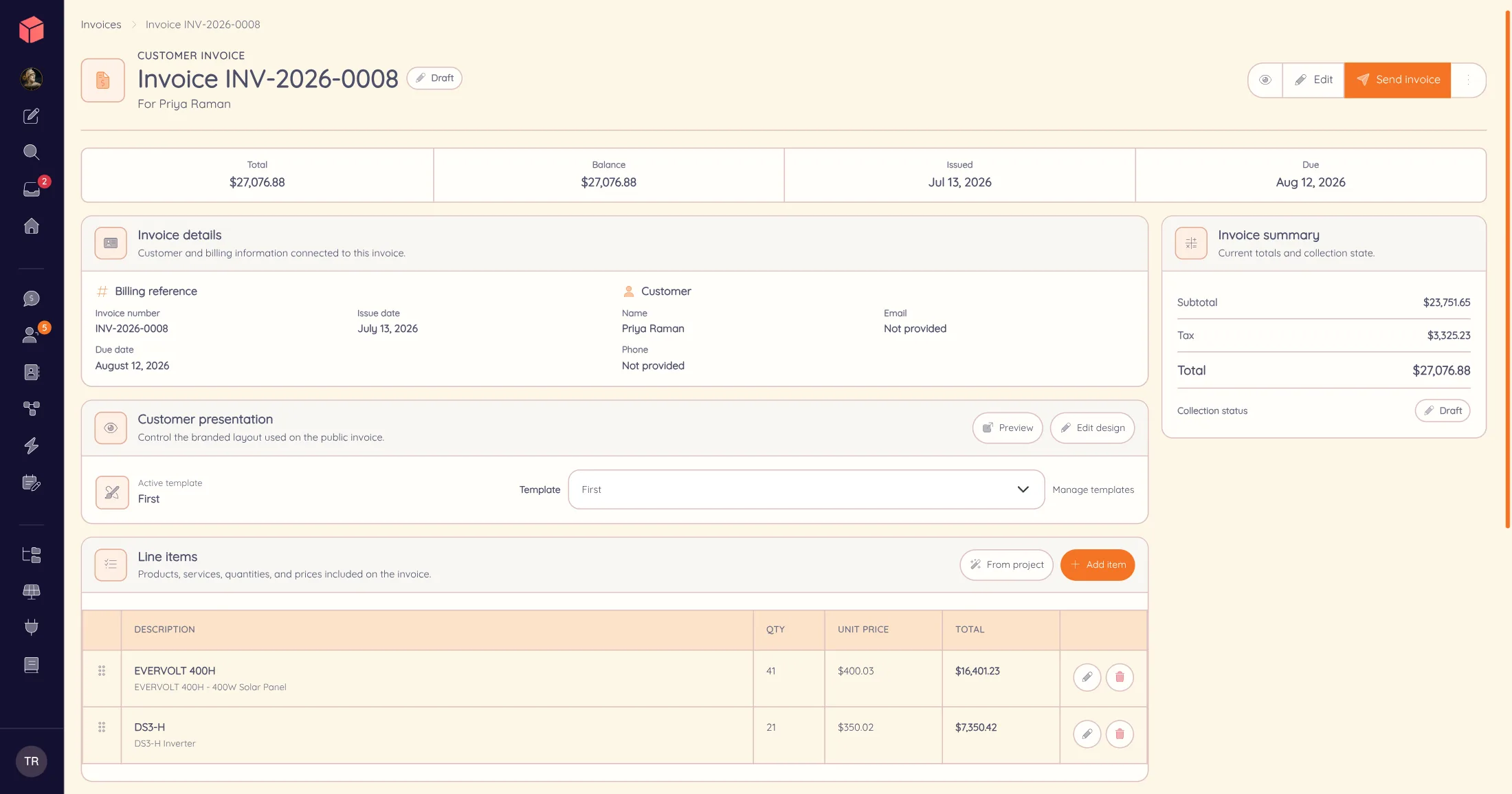
From signed quote to paid invoice.
Prepare the invoice
Create it from the quote. Adjust or reorder the line items, set the dates, check the tax and pick your invoice template. Nothing is re-typed.
Deliver it
Send a secure invoice link by email or text. The customer opens the branded invoice on any device and can save it as a PDF.
Track the balance
See sent, viewed and paid at a glance. Record a check or transfer by hand, and the remaining balance updates on the customer ledger.
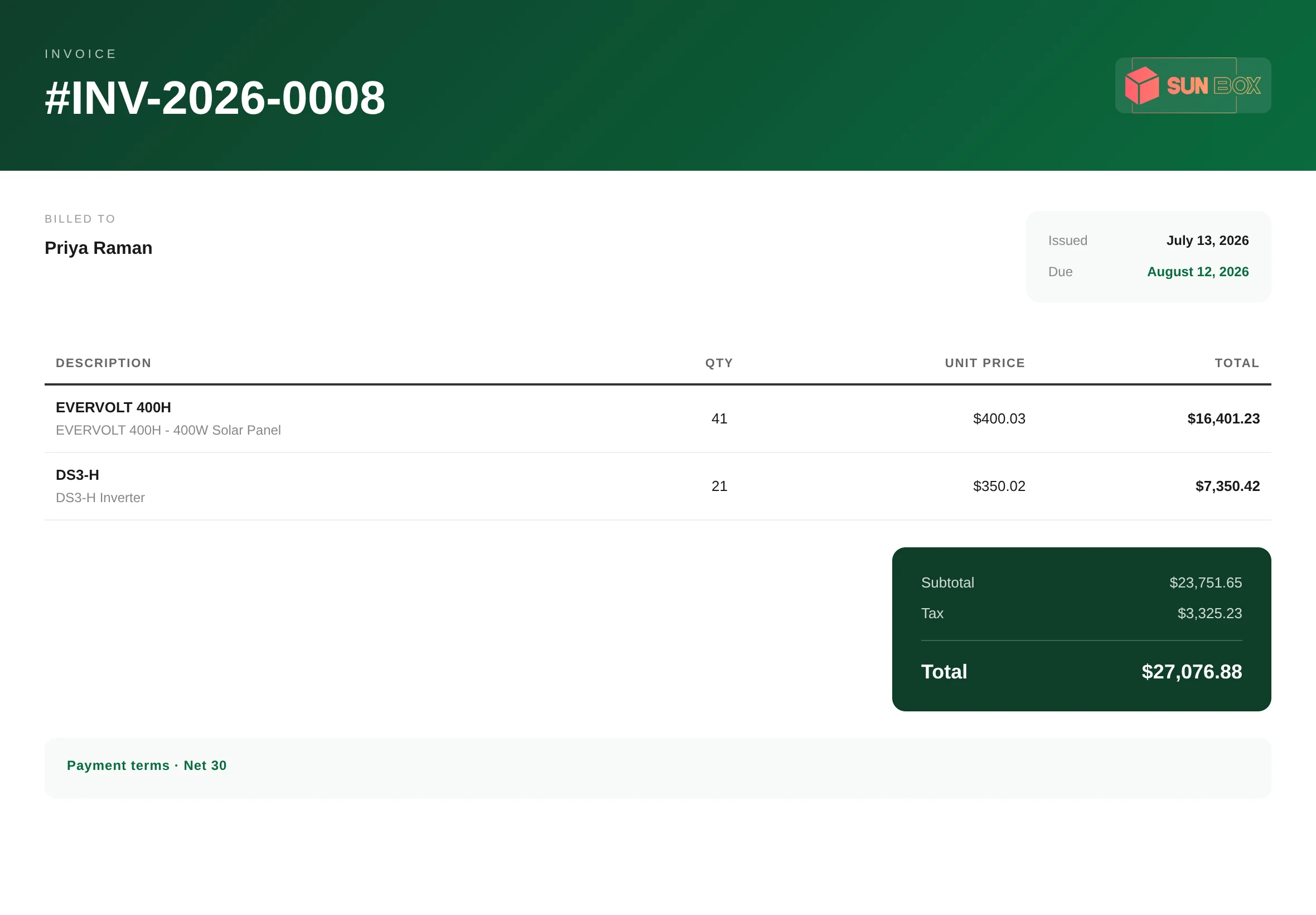
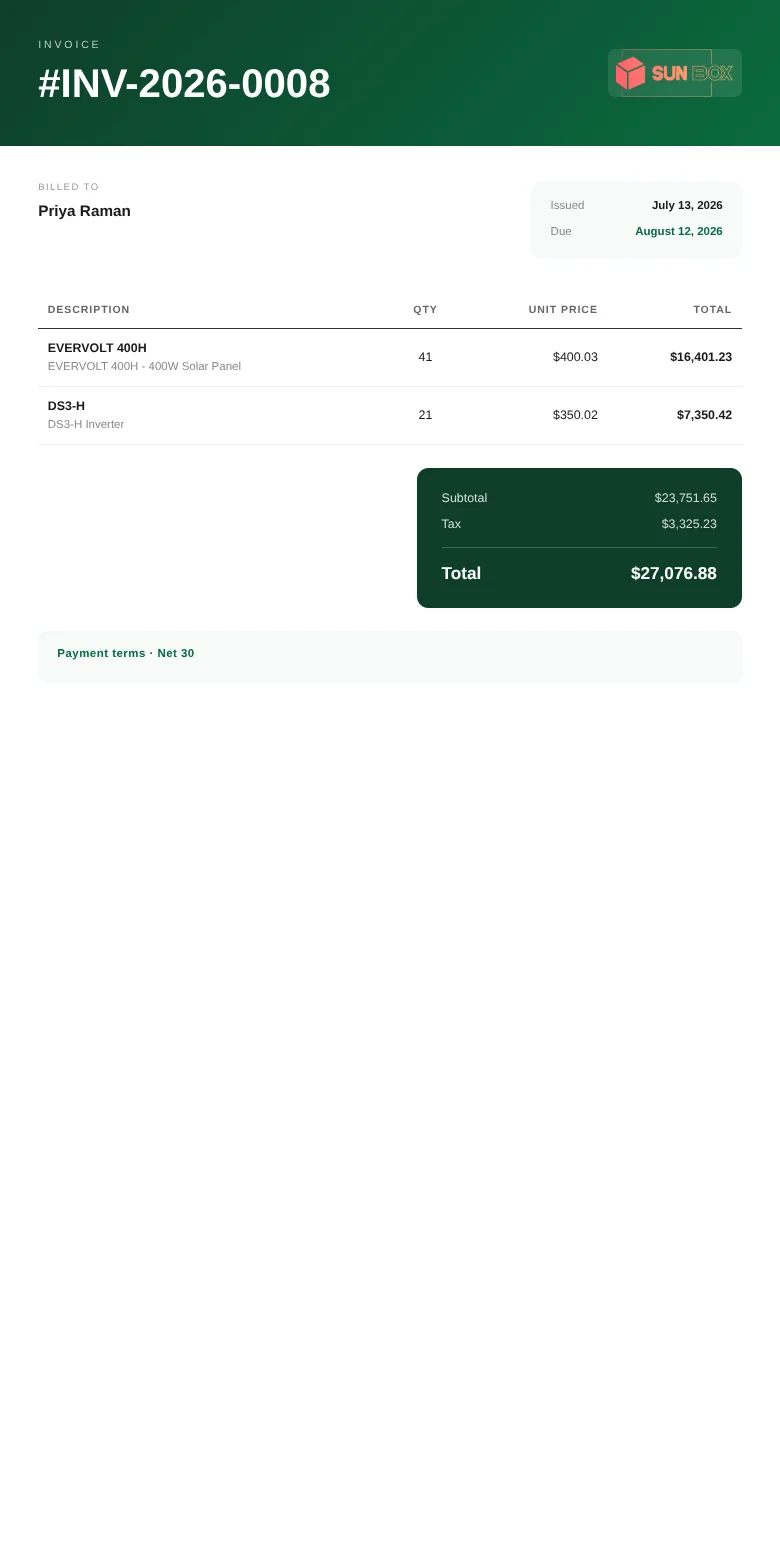
On their phone.
In your brand.
The customer taps the link in their email or text and sees your invoice, in your company’s design, with line items, tax, the due date and the total due. It reads the same on a phone as at a desk.
See the client portal ↗A Sun Box demonstration invoice. The customer’s address is hidden. Device frames shown for illustration.
Online payments · Powerlily Pro
Paid online, into your own account.
Connect your company’s payment account and take proposal deposits and invoice balances online. The money settles in your account, with no Powerlily cut of the transaction.
Deposits and balance payments stay tied to the same project invoice. Every payment updates the ledger, so anyone on the team can see what is still owed.
Compare Powerlily plans ↗- Your brand
- Your own invoice template, under your company name, on every invoice you send.
- Your payment account
- Payouts, refunds and disputes run through your own connected account, not through Powerlily.
- The project balance
- Deposits, online payments and payments recorded by hand sit in one ledger beside the project.
Billing on the same record
Billing belongs with the project.
Open the customer, the signed quote and the invoice from the same project page. No one rebuilds the sale in a second system, and delivery status and payment history stay with the job.
On Standard and Pro, the client portal shows the invoice beside the customer’s progress, photos and documents, under your company’s brand.
See a quote become an invoice.
Pick a signed quote. We’ll build the invoice, send it by text and record the payment on the customer ledger while you watch.