The next opportunity
may already know you.
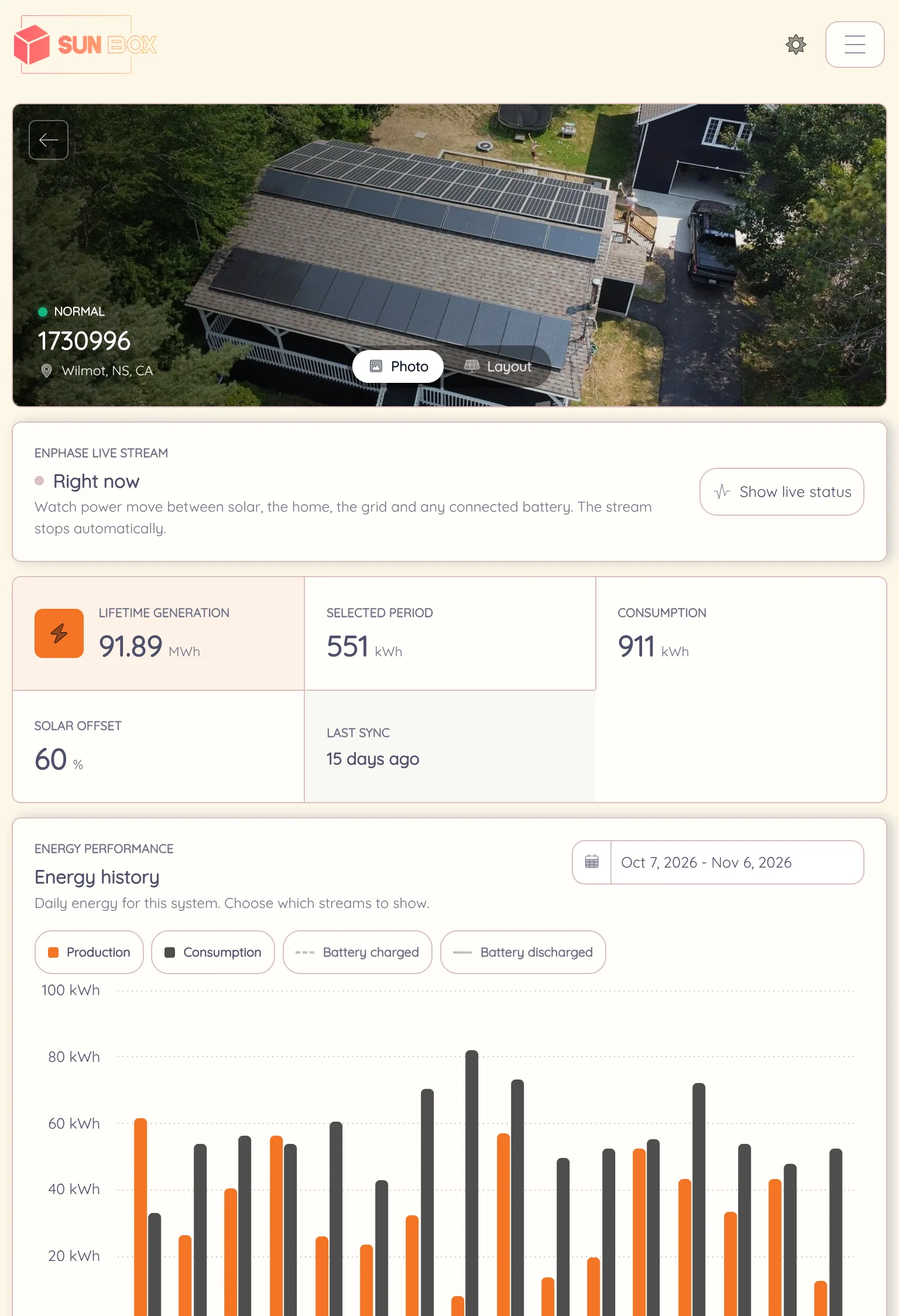
The installed customer stays on the same record as their project, system and conversation. Use it for a timely service check-in, a storage offer their own production supports, or a personal introduction that puts the next lead in your pipeline.
A reason to get back in touch.
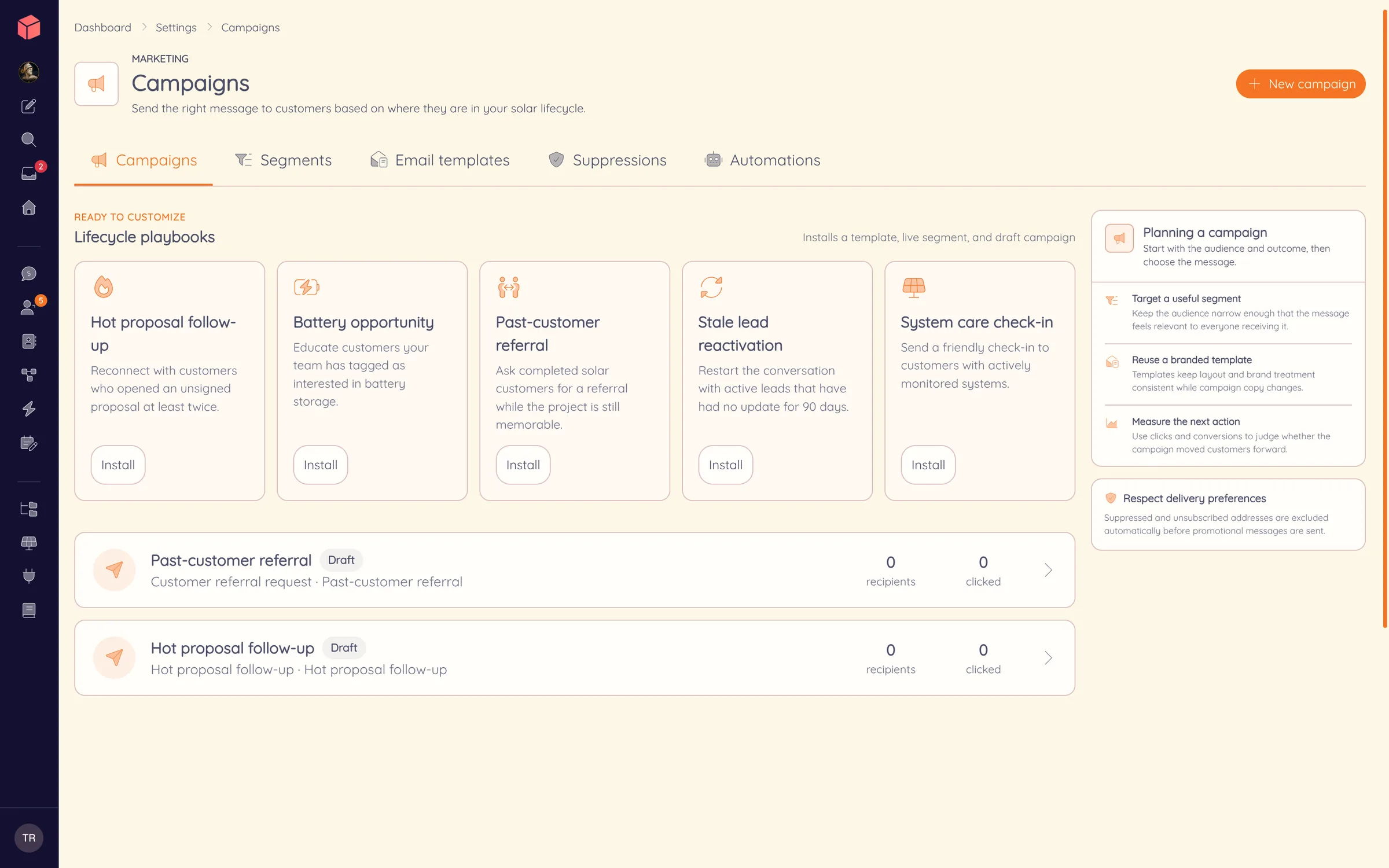
The audience is a live segment of the customers, projects and leads your team already works in, not an exported list. On Pro, monitored systems join the segment too, filtered by brand and system health, with each system’s customer as the recipient.
Choose the audience
Pick a saved segment of leads, projects, clients or monitored systems. Check the filters and the recipient list before anything sends.
Prepare the message
Write a branded email, merge in customer fields and send yourself a test. Schedule delivery with unsubscribe and frequency limits in place.
Follow the reply
See who engaged, then take an interested customer straight into battery analysis and a new proposal on their existing record.
The reminder stops when they sign.
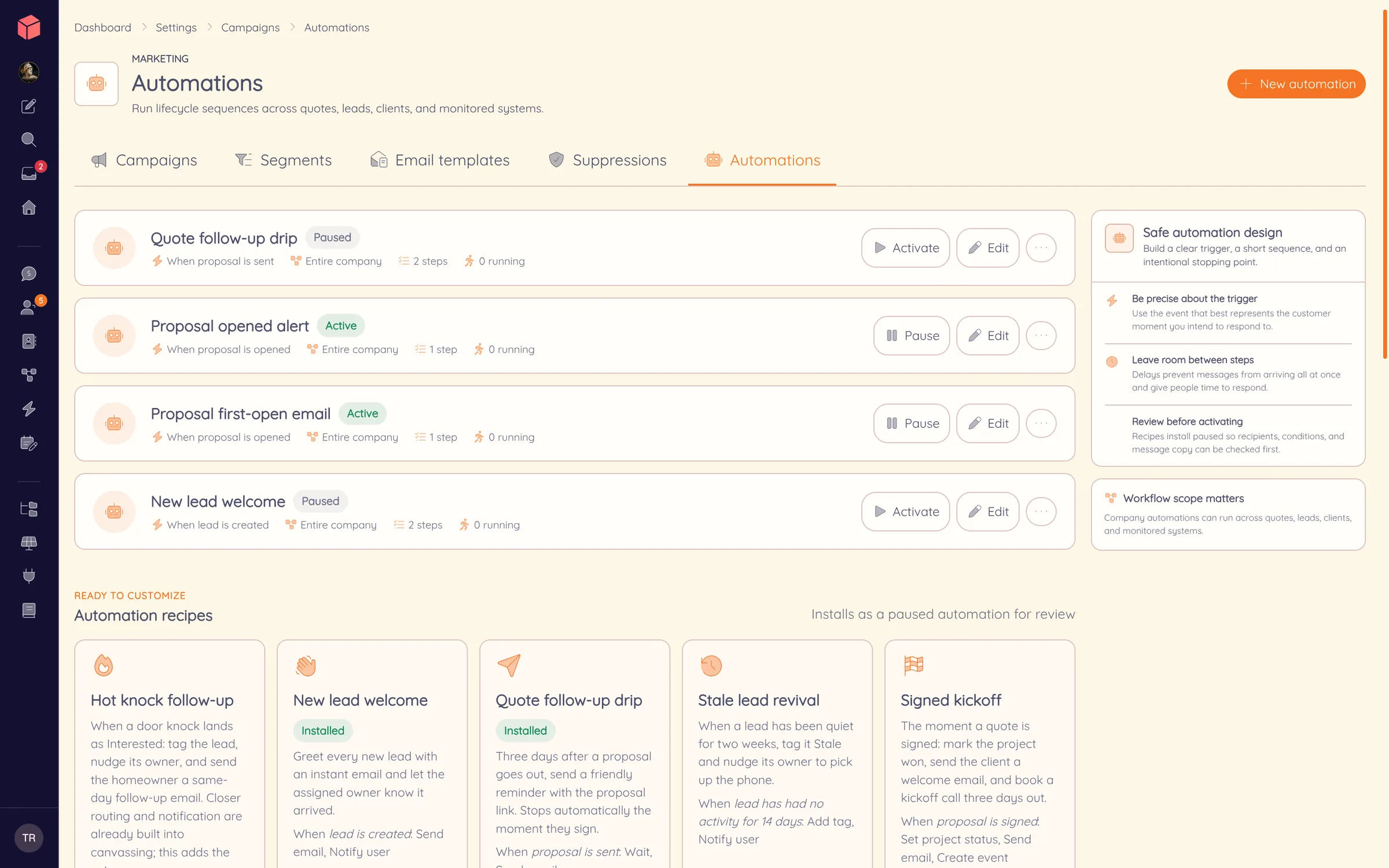
Run sequences from the moment a lead is created, a proposal is opened or signed, or an invoice goes overdue. Each automation has a trigger, a short series of steps and stop-early conditions, so a quote follow-up ends the day the customer signs.
Start from recipes such as a quote follow-up drip, a new lead welcome or a signed-project kickoff. Recipes install paused, so your team reviews the message and conditions before anything sends.
When they want more, they buy from you.
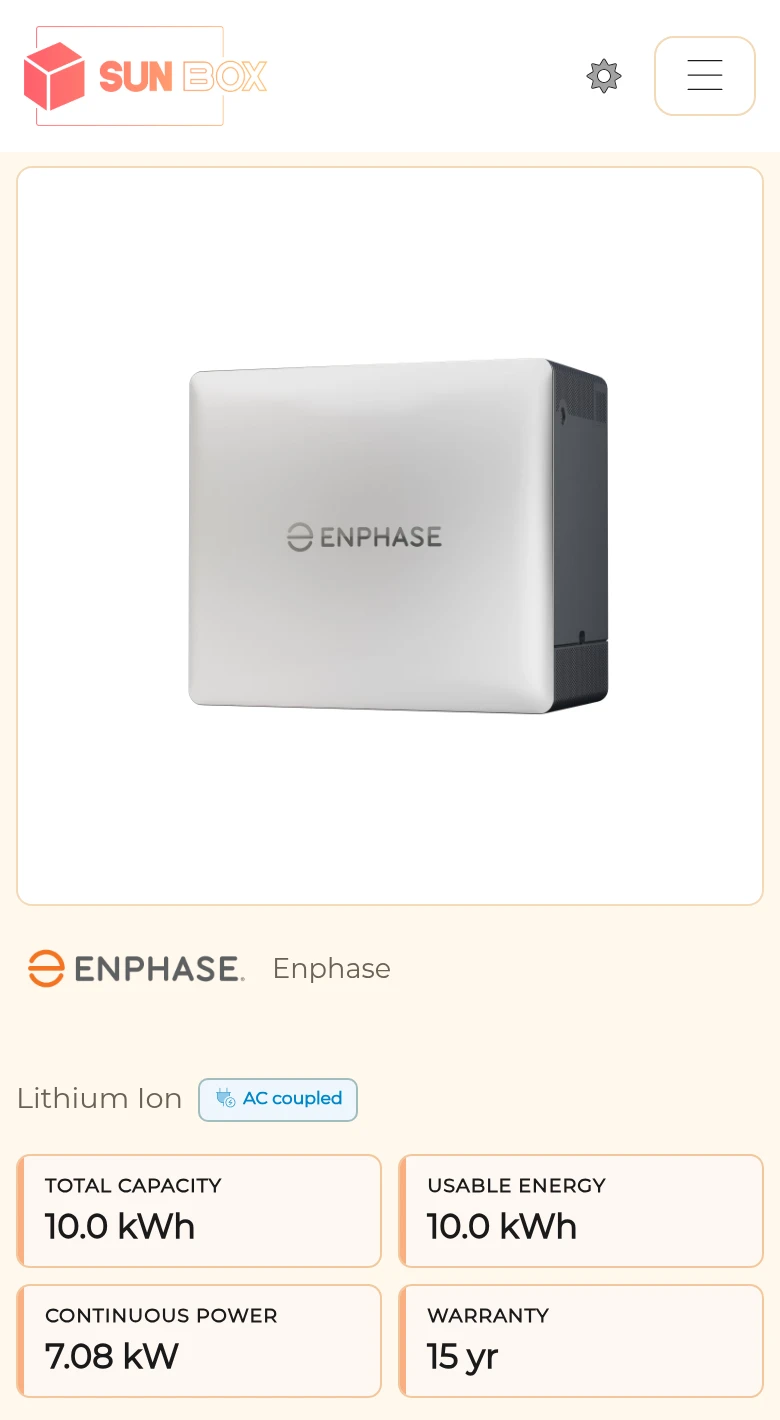
Publish the panels, batteries and packages you want customers to see. With Pro and a connected payment account, the same catalog can accept online orders under your brand, paid into your own account with no Powerlily cut.
Offer selected products to existing customers, or let them request an addition to their project for your team to approve. Their order history stays in the client portal.
Every referral
has a name on it.
Every customer has a personal referral link. A submission through it creates a lead with the referrer recorded on it, and Powerlily notifies your team and the customer who made the introduction.
The new lead enters the same CRM, design and proposal pipeline as every other lead, and the referral count stays on their record.
Follow the lead into the CRM ↗A review request with real numbers in it
Send a branded review request from the customer’s record to the review sites you have saved. When the system is monitored, the draft quotes the customer’s own production, savings and uptime. Staff pick the moment and send it by hand, so nothing goes out on a timer.
When the customer gets in touch
Share a performance update, answer a question with one of your own articles, or reopen the original design and size the battery against the roof you already modeled.
Battery analysis ↗Watch one customer become the next lead.
We follow a demonstration customer from live production to a storage offer and a referred lead.