Your company website,
run on Powerlily.
Design pages around the equipment you install, the articles you write and the systems you have built, and publish them on your own domain. The same records power your proposals, portal and CRM, so a quote request lands as a lead with its source attached. Or keep your current site and embed the forms.
Equipment pages, articles and a homepage, all on the company’s own domain.
These three pages are live. Open any frame to see the real thing.
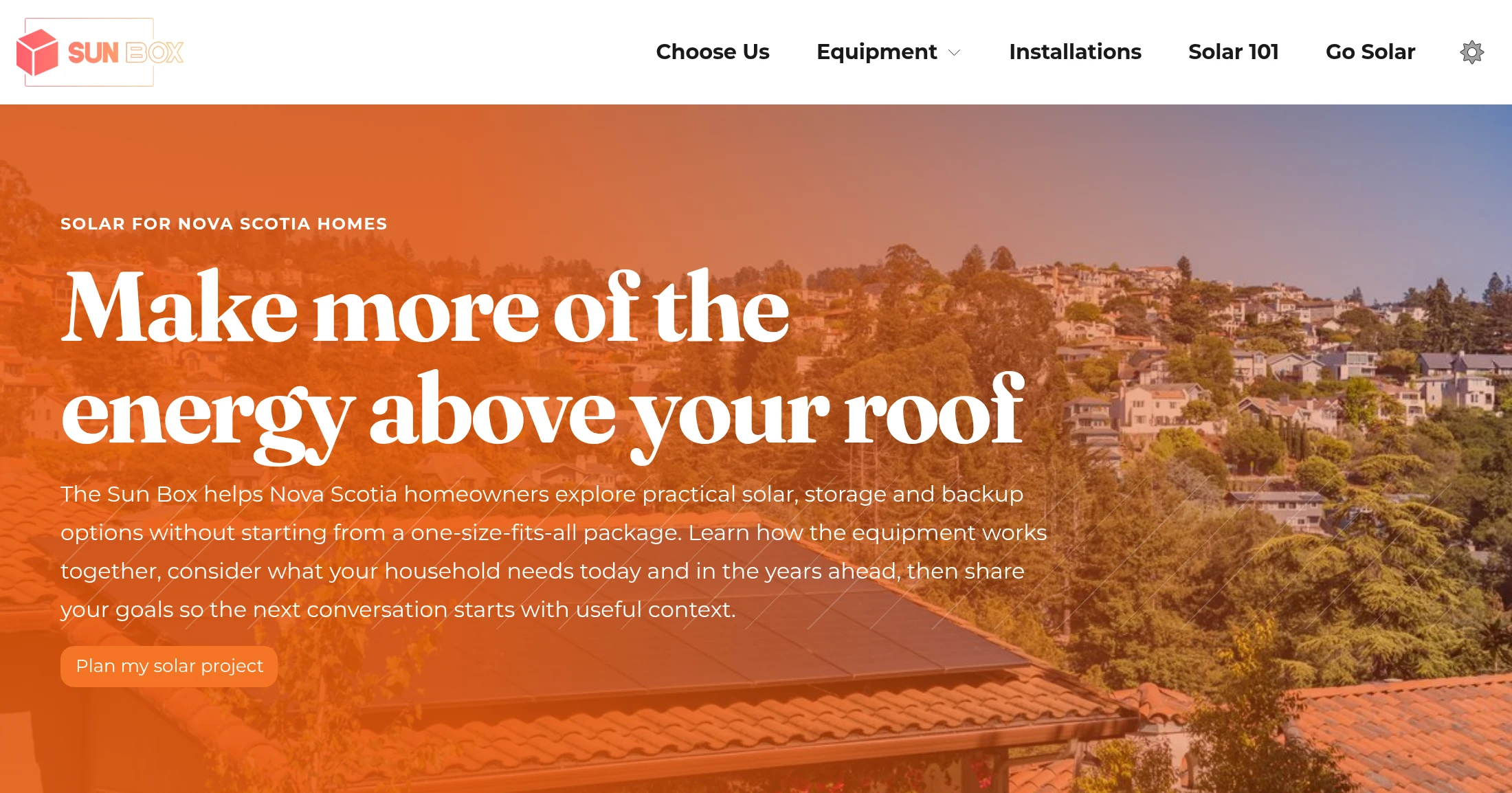
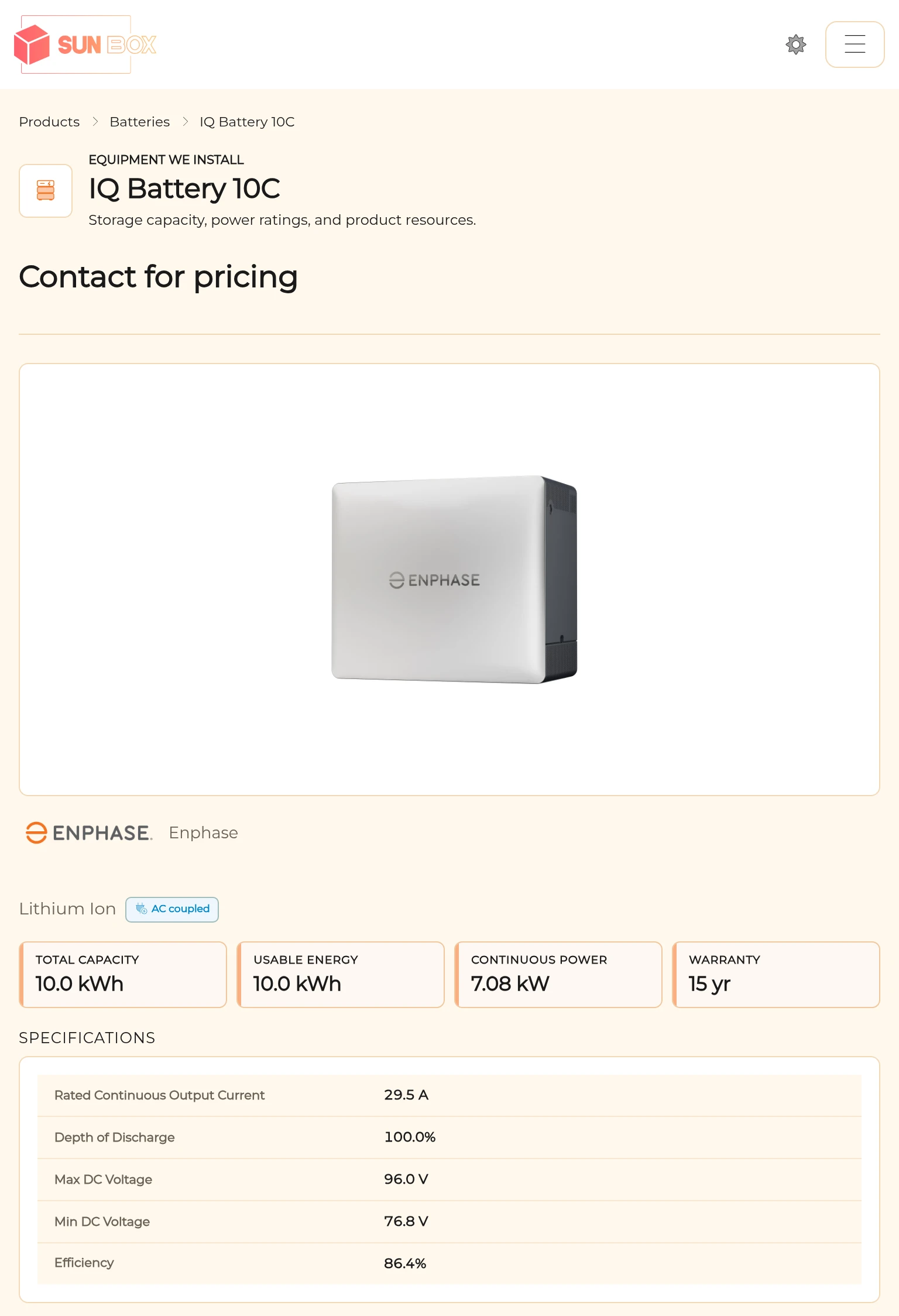
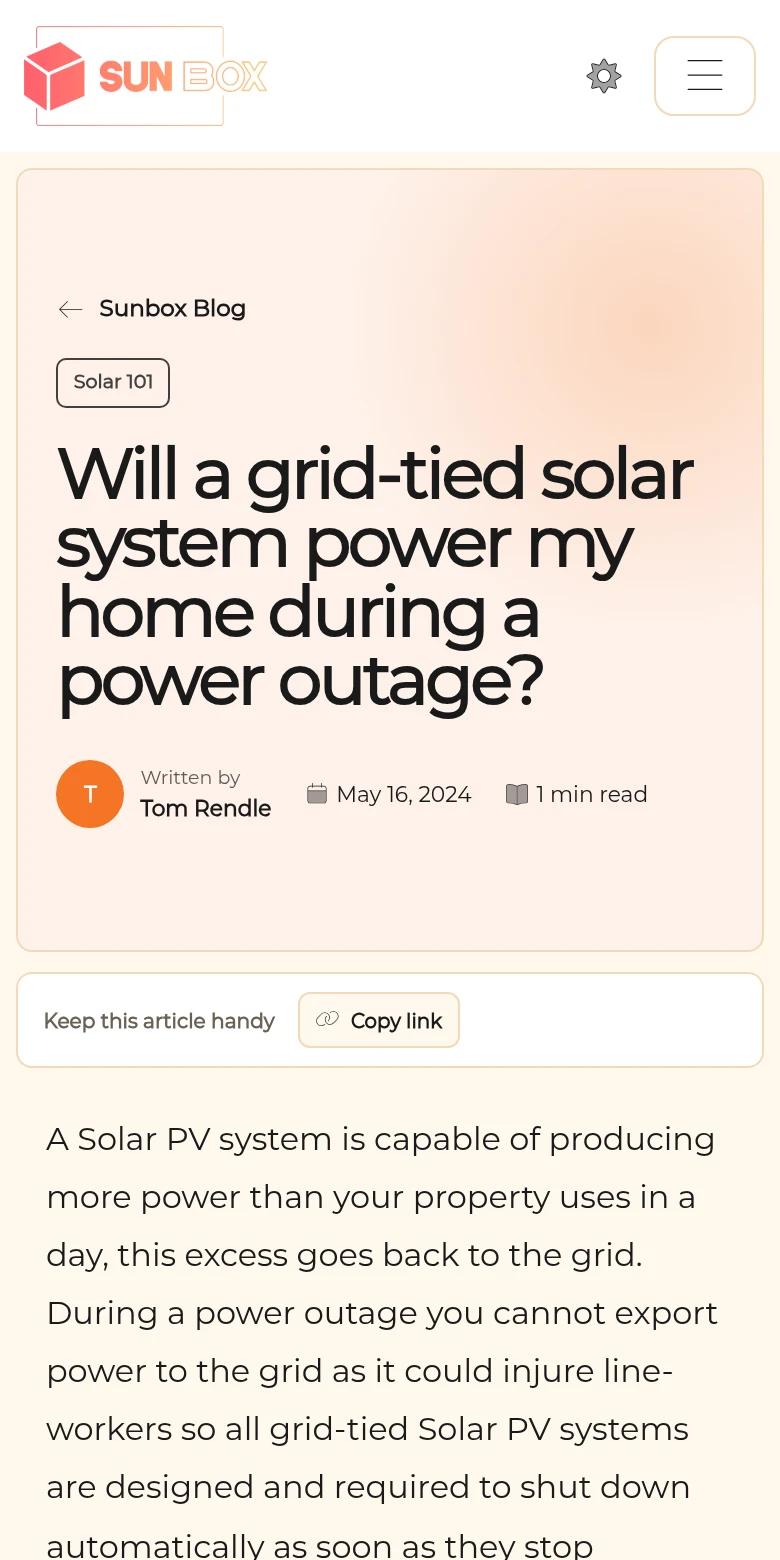
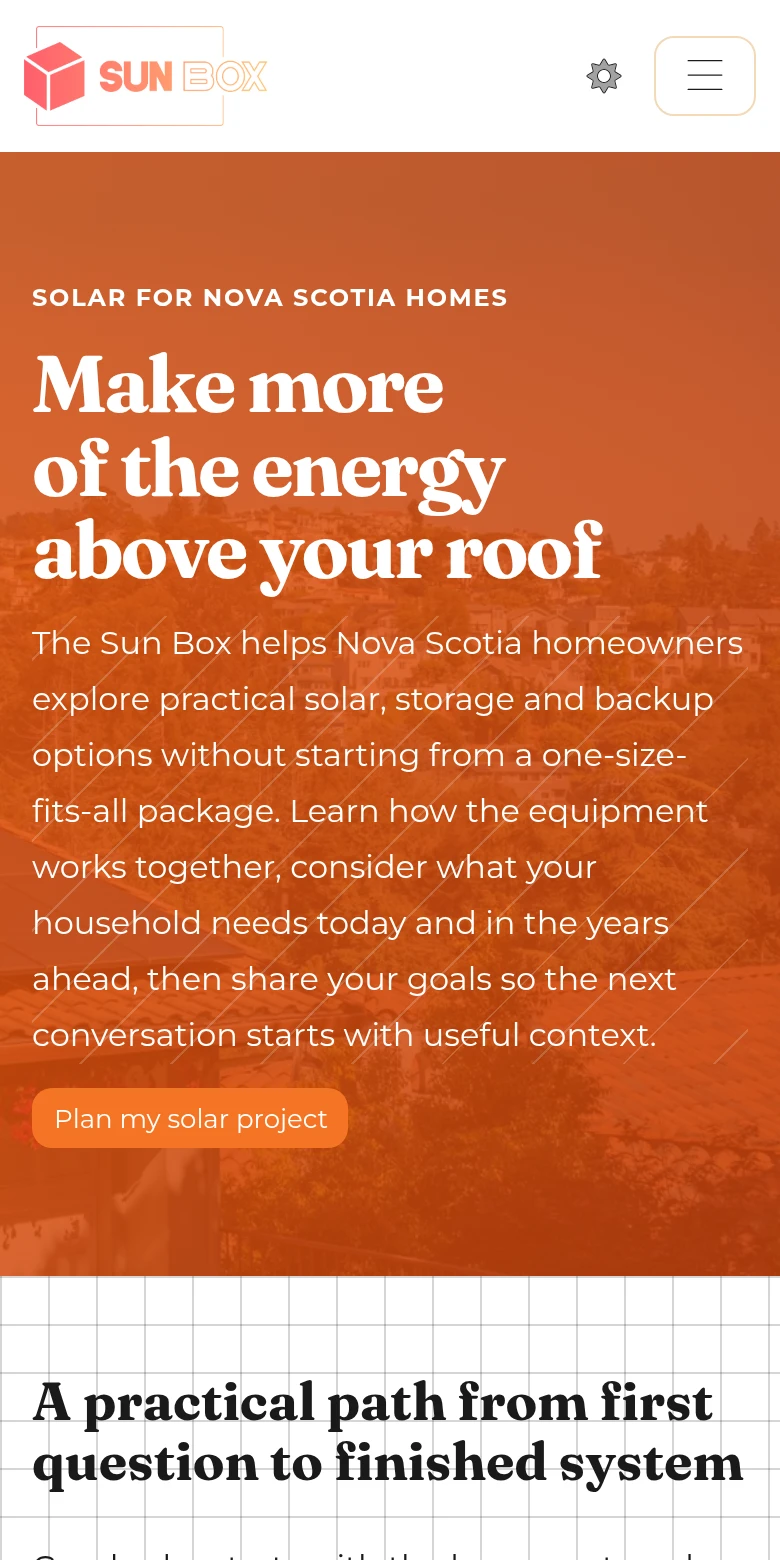
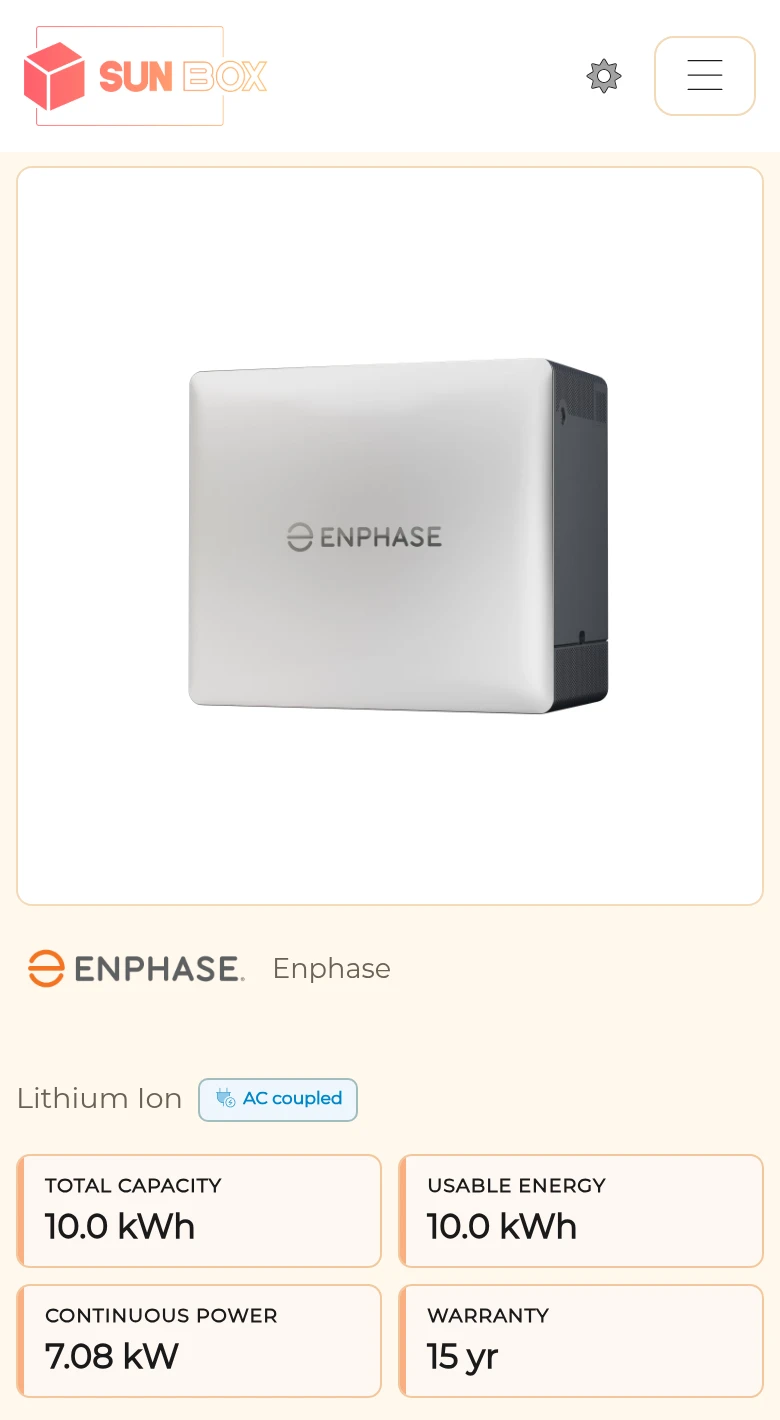
The Sun Box is a Powerlily demonstration company. The pages above are live: the homepage, a battery page from the catalog and a knowledge base article, all on thesunbox.ca.
Pages built from
records you already keep.
The catalog, the knowledge base and your installed systems are already in Powerlily. Choose what to publish and the pages build from those records, under your brand.
Show the equipment
Panels, batteries, inverters and packages, with the same images, specifications and datasheets your proposals use. Update the catalog once and the page follows.
Equipment library ↗Add articles and installations
Pull published articles and eligible public installations into pages about your services, so the page shows your own installs and your own answers instead of stock photos.
Company knowledge base ↗Capture the inquiry
Put a form where the visitor is ready to talk. The submission lands in your CRM as a lead, with its source recorded, an owner assigned by your routing rules and follow-up ready to run.
CRM & lead capture ↗Make the page.
Then make it public.
Arrange sections, text, images and calls to action around your offer. The navigation, footer and company theme are shared, so a new page matches the rest of the site without extra styling.
Preview on desktop, tablet and phone. Save a draft, set its title and description, then publish when it is ready. On Pro, ask Pericles for a first draft of the page or a tighter revision.
Move the site you have
Import your current pages as drafts for review, then map the old addresses to the new pages so existing links keep working.
Or keep the website you have
Embed Powerlily lead forms on your current site, or let a capture snippet watch the form you already have, and link visitors to proposals and the client portal. Your public website can remain where it is.
Choose where
customers find you.
Custom domains are included on Standard and Pro. Custom page authoring and Pericles are included on Pro.
solarco.powerlily.io
Included on every plan. Your company’s Powerlily address is live as soon as you sign up.
portal.solarco.com
Your own subdomain for the portal and proposals, while your public website stays where it is.
solarco.com
Website, proposals, portal and staff sign-in, all on your main domain under one brand.
Domain settings walk you through the DNS records and HTTPS setup. Compare plans.
See a quote request land in the CRM.
A demo follows a quote request from the website into the CRM, the proposal and the client portal.