Answer it well.
Share it again.
Turn the questions your team answers every week into articles under your own brand. Explain how the system behaves, prepare the customer for install day and keep the answers a click away from their project.
The answer has
a permanent address.
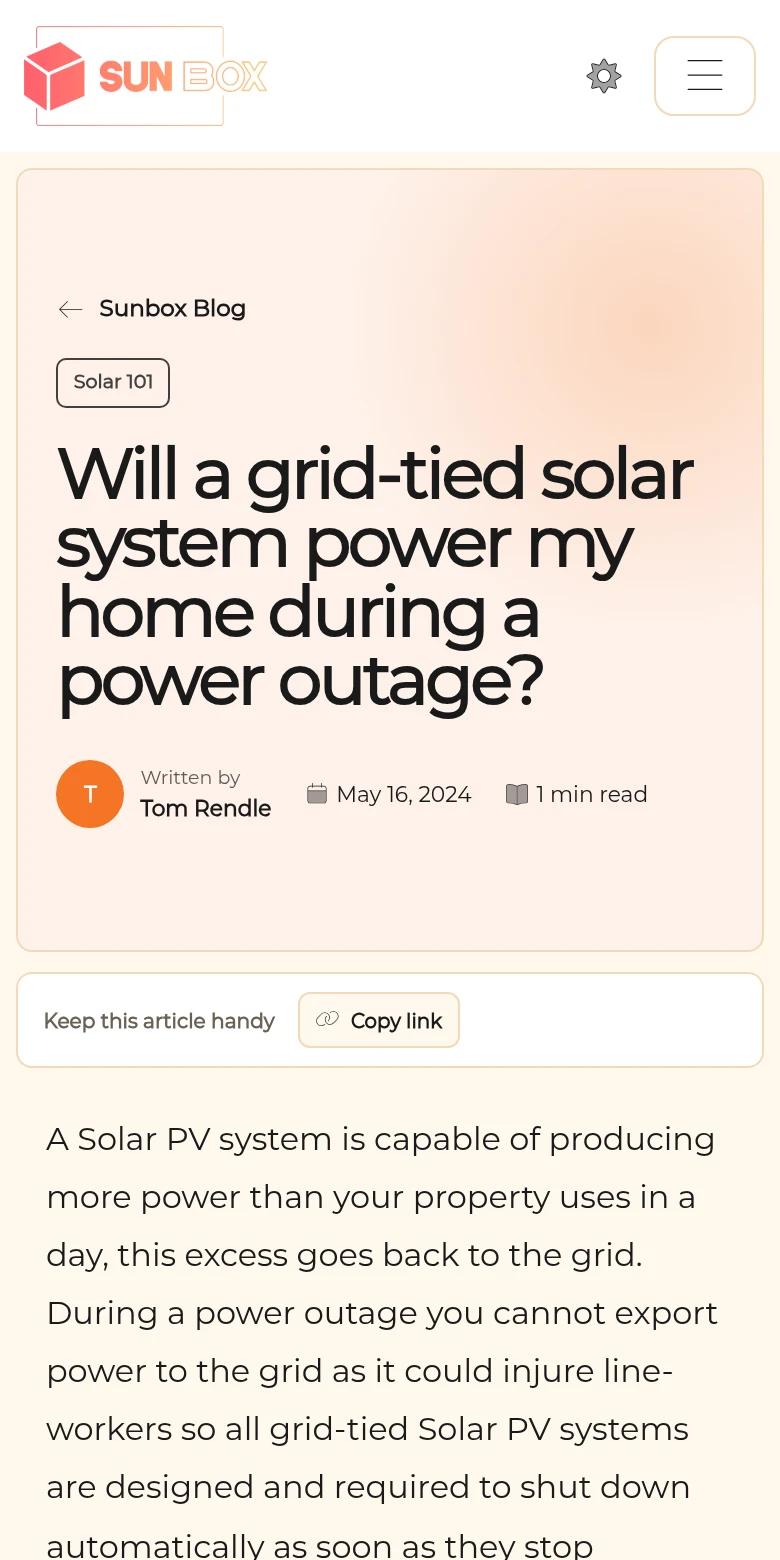
The Sun Box’s Solar 101 article explains what a grid-tied system does in a power outage, a question every installer hears. It lives beside the company’s website and equipment pages, in the same theme.
Paste the link into a customer message, add it to a proposal or place it on a service page. Fix the wording once and every link shows the new version.
Read the live example ↗From a blank draft to a branded page.
Write and structure
Write with headings, images and links. Autosave, a live outline and a reading-time count keep a long article manageable.
Review the draft
Drafts stay private to authorized editors until you publish. On Pro, ask Pericles for a first draft or a revision, then choose what to keep.
Publish for readers
Add a cover, file the article under a topic and publish. Readers get a branded page with a table of contents, on your site.
Grouped by topic.
Found by search.
Group articles by topic, each with its own introduction, so a customer browsing storage finds every battery article in one place. Library search covers the rest.
Published articles also form the knowledge base page on your company website, on every plan. On Pro, a custom page can pull selected articles in beside the battery they describe.
Articles on your website pages ↗Pericles drafts. Your team publishes.
Pericles suggestions arrive as a draft for review. The author decides what enters the article and when it goes live. Writing and cover assistance are Pro features and follow your staff permissions.
Articles publish on your Powerlily subdomain on every plan, and on your own domain on Standard and Pro. Compare plans.
See one article do three jobs.
We show one article going from draft to your website, a proposal and a customer message.